




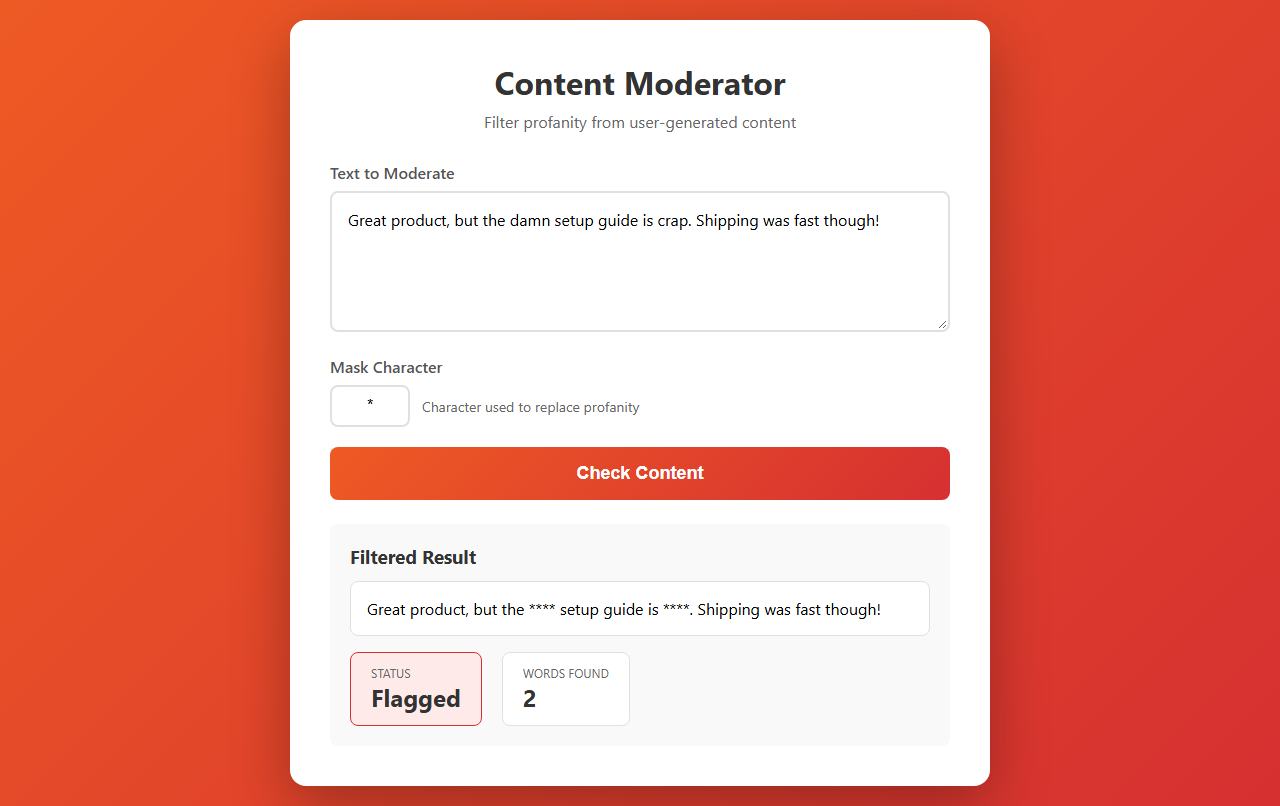
Clean up comments, reviews and chat before they go live. Paste any text and get it back with profanity masked, plus how many words were caught.
This template needs an APIVerve API key. Sign up free, no credit card required.
Click Deploy with Vercel above. Vercel copies this repo to your GitHub account, asks for your APIVERVE_API_KEY, and gives you a live URL about a minute later.
-
Clone the repository
git clone https://github.com/apiverve/content-moderator-node-tutorial.git cd content-moderator-node-tutorial -
Install dependencies
npm install
-
Add your API key
cp .env.example .env
Then open
.envand setAPIVERVE_API_KEY. -
Start the server
npm run dev
-
Open
http://localhost:3000
- The page in
public/index.htmlcallsPOST /api/moderateon this server. server.jschecks the input, then calls Profanity Filter. Your API key stays on the server and never reaches the browser.- The page shows the result.
├── server.js            # Express: the /api route that calls APIVerve
├── public/index.html    # The page (HTML, CSS and JavaScript)
├── .env.example         # Copy to .env and add your key
└── package.json
const res = await fetch('https://api.apiverve.com/v1/profanityfilter', {
  method: 'POST',
  headers: { 'x-api-key': process.env.APIVERVE_API_KEY, 'Content-Type': 'application/json' },
  body: JSON.stringify({ text, mask: '*' })
});
const { data } = await res.json();
// data.filteredText, data.isProfane, data.profaneWordsOnce deployed, anyone who finds your URL can use it on your API key. Each visitor can make 10 requests a minute, which is fine for a demo. The limit is kept in memory, so it isn't shared between serverless instances. For production:
- Put the page behind your own sign-in, or
- Move the limit to a shared store such as Upstash Redis, or
- Call the route only from your own backend.
- Mask comments on save, and keep the original for moderators
- Hold posts with several flagged words for review instead of publishing
- Add Sentiment Analysis to spot hostile posts that use no profanity
- Profanity Filter:
POST https://api.apiverve.com/v1/profanityfilter - Full documentation
- Node.js 20+ and Express 4
- Plain HTML, CSS and JavaScript, no build step
- Deploys to Vercel as-is:
server.jsbecomes one function andpublic/is served from the CDN
MIT. See LICENSE.