Release Notes
v1.34.0 Release Notes
You can now install, update, and manage extensions directly from within the app.

As part of this change, the built-in language-data package has been converted into an extension. This reduces the app's bundle size while allowing the package to support many more programming languages. If you use fenced code blocks and want syntax highlighting, simply install the Language Data extension from the extensions manager.
MarkEdit can now update itself directly from GitHub releases, eliminating the need to manually download and replace the app.
You can customize this behavior with general.updateBehavior.
The Finder Extension has been removed. See #1627 for the rationale behind this change.
This release also includes a wide range of performance and quality improvements. Editor scrolling is smoother, startup is faster, and typing responsiveness has been improved.
Despite introducing major features such as the extensions manager and in-app updates, the app bundle is now even smaller thanks to extensive optimizations.
v1.27.0 Release Notes
- Adopted the Liquid Glass design. See settings.json if you'd like to switch back.
- Added icon variants for dark mode and clear/tinted mode.
- Dropped support for macOS Sonoma. See macos-14 for the last compatible version.
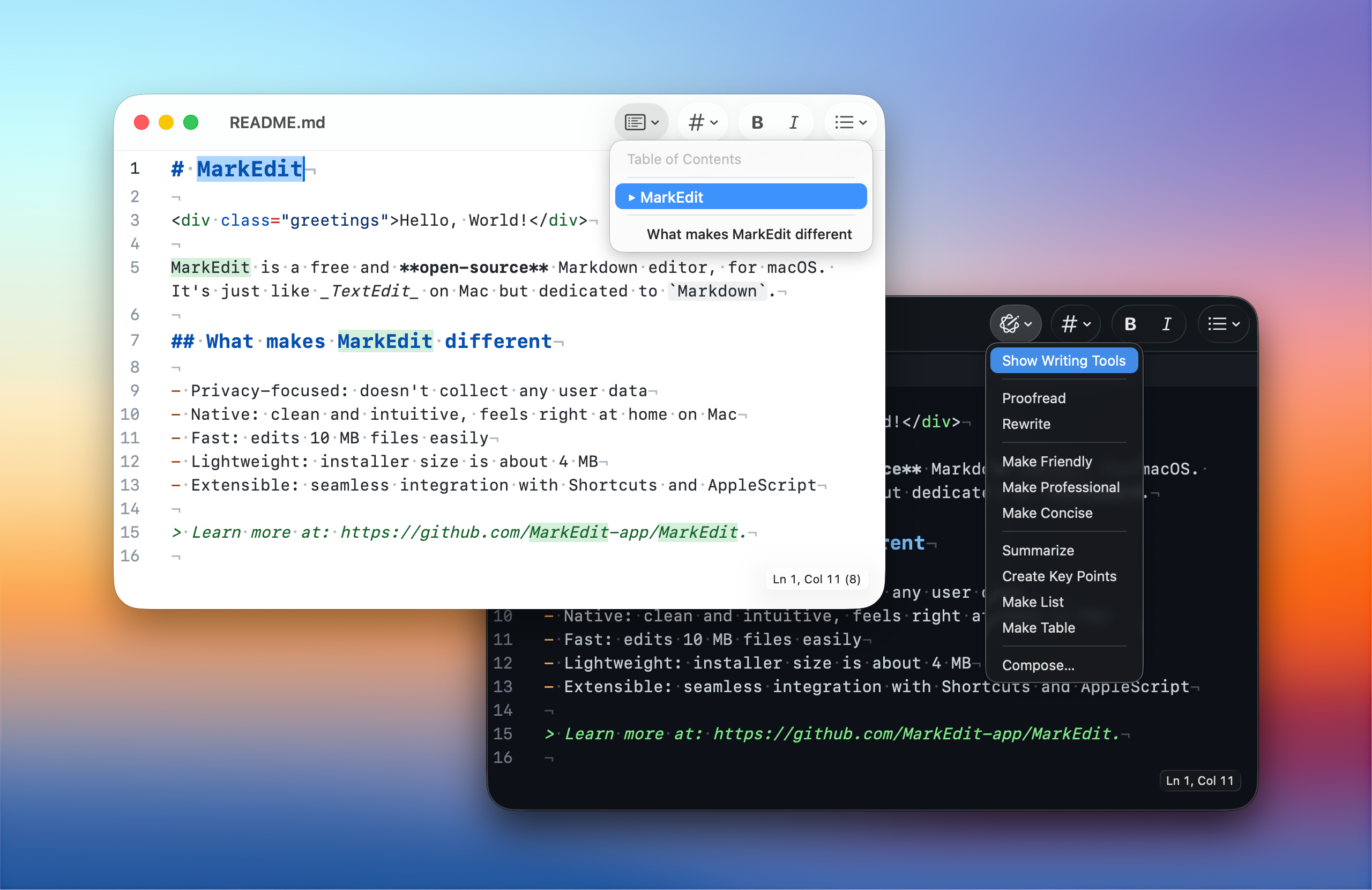
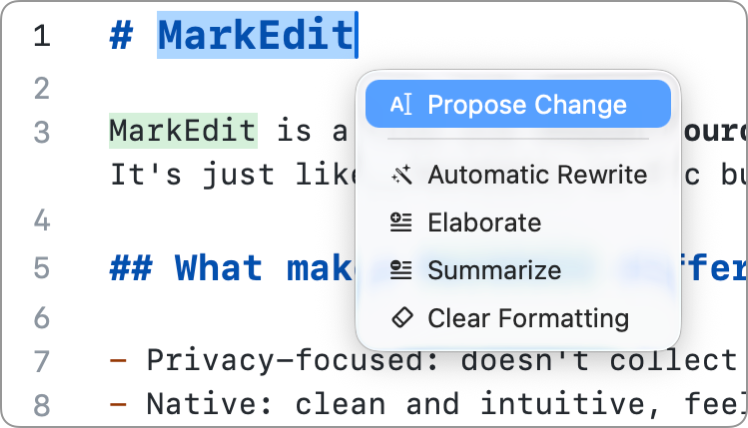
Apple introduced an on-device AI capability called Foundation Models in macOS Tahoe. MarkEdit now supports it through MarkEdit-api.
Please refer to the sample extension MarkEdit-ai-writer to learn more.
v1.25.0 Release Notes
macOS Tahoe is currently in beta, and MarkEdit includes some initial design updates to support it.
To try out the new design, run the following command in your terminal and restart the app:
defaults write app.cyan.markedit com.apple.SwiftUI.IgnoreSolariumLinkedOnCheck -bool trueNote
This is not needed once macOS Tahoe is officially released.
v1.23.0 Release Notes
- AppleScript Support: Added AppleScript integration to automate tasks, thanks to @SKaplanOfficial.
- Configurable Invisible Characters: You can now customize the rendering of invisible characters for better document styling.
- Search Enhancements: Improved the search bar by displaying the current index and adding support for custom search normalizers.
- Diacritic Insensitive Search: Introduced a search option that ignores diacritical marks for improved text matching.
- Auto Save Behavior: Enhanced auto-save functionality by adding the editor.autoSaveWhenIdle option.
- Line Break Rendering: Added support for rendering line breaks, with configuration to customize the character.
- Statistics Behavior: Added support for comment parsing and showing the selection and full document at the same time.
- Xcode Dark Theme: Refined the Xcode dark theme for better readability and user experience.
- Selection and List Handling: Optimized list-marker handling and selection preservation for list actions.
- Text Predictions: Fixed issues with text predictions that affected document editing.
-
Backup File Handling: Resolved the issue where
*.sbbackups were not being properly removed.